
Lesson 11
Get Online with Wi-Fi
The internet is how your phone gets news, weather, video calls, and more. Connecting to Wi-Fi keeps you online without using up your phone plan's data.
First, tell us which phone you have
Not sure which you have?
If your phone has an apple on the back, it’s an iPhone. If it has anything else, it’s almost certainly an Android.
Step 1 of 6
Understand Wi-Fi
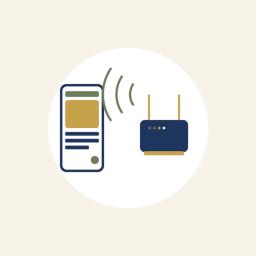
Wi-Fi is an internet connection in your home or a public place like a library or coffee shop. Using it saves the mobile data you pay your phone company for.
The Monterey Peninsula College campus, across from the VTC, has Wi-Fi you're welcome to use.
Step 2 of 6
Open your Wi-Fi settings
On your iPhone: On iPhone, open Settings, then tap Wi-Fi.
On your Android: On Android, open Settings, tap 'Network & internet,' then tap Wi-Fi.
Make sure the Wi-Fi switch is turned on (green or blue) so your phone can find networks.
Step 3 of 6
Pick your network
You'll see a list of nearby networks by name. Tap the name of yours.
A network with a small lock beside it needs a password. That's normal and keeps it secure.
Step 4 of 6
Type the password
If asked, type the network's password, then tap Connect or Join.
Your home Wi-Fi password is usually on a sticker on your internet box. Capital and small letters matter.
Step 5 of 6
Check that you're connected
When it works, you'll see the Wi-Fi symbol (curved lines like a fan) at the top of your screen.
On your iPhone: On iPhone, a blue checkmark also appears next to the network's name.
Once you've joined, your phone remembers this network and reconnects on its own next time.
Step 6 of 6
Share your internet in a pinch
If you have no Wi-Fi but need to get a computer or tablet online, your phone can share its own internet connection. This is called a hotspot.
On your iPhone: On iPhone, open Settings, tap Personal Hotspot, and turn on 'Allow Others to Join.'
On your Android: On Android, open Settings, tap Connections or Network & internet, tap 'Mobile Hotspot and Tethering,' and turn on Mobile Hotspot.
A hotspot uses your phone plan's data, so turn it on when you need it and off again afterward.